A new project
Make a board for it and put the first tasks on it. There are no templates to pick and no fields to fill in.
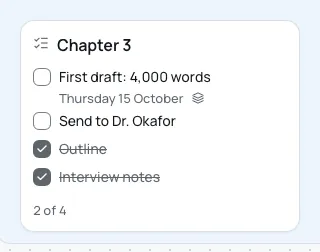
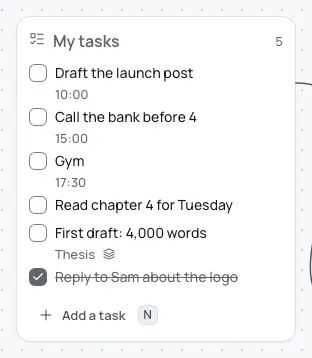
Each project is a board. Pull tonight's tasks onto today, and each one stays a single task, shown on both.
Coming to Mac, Windows, iPad, iPhone and Android. Pay once. No subscription needed.
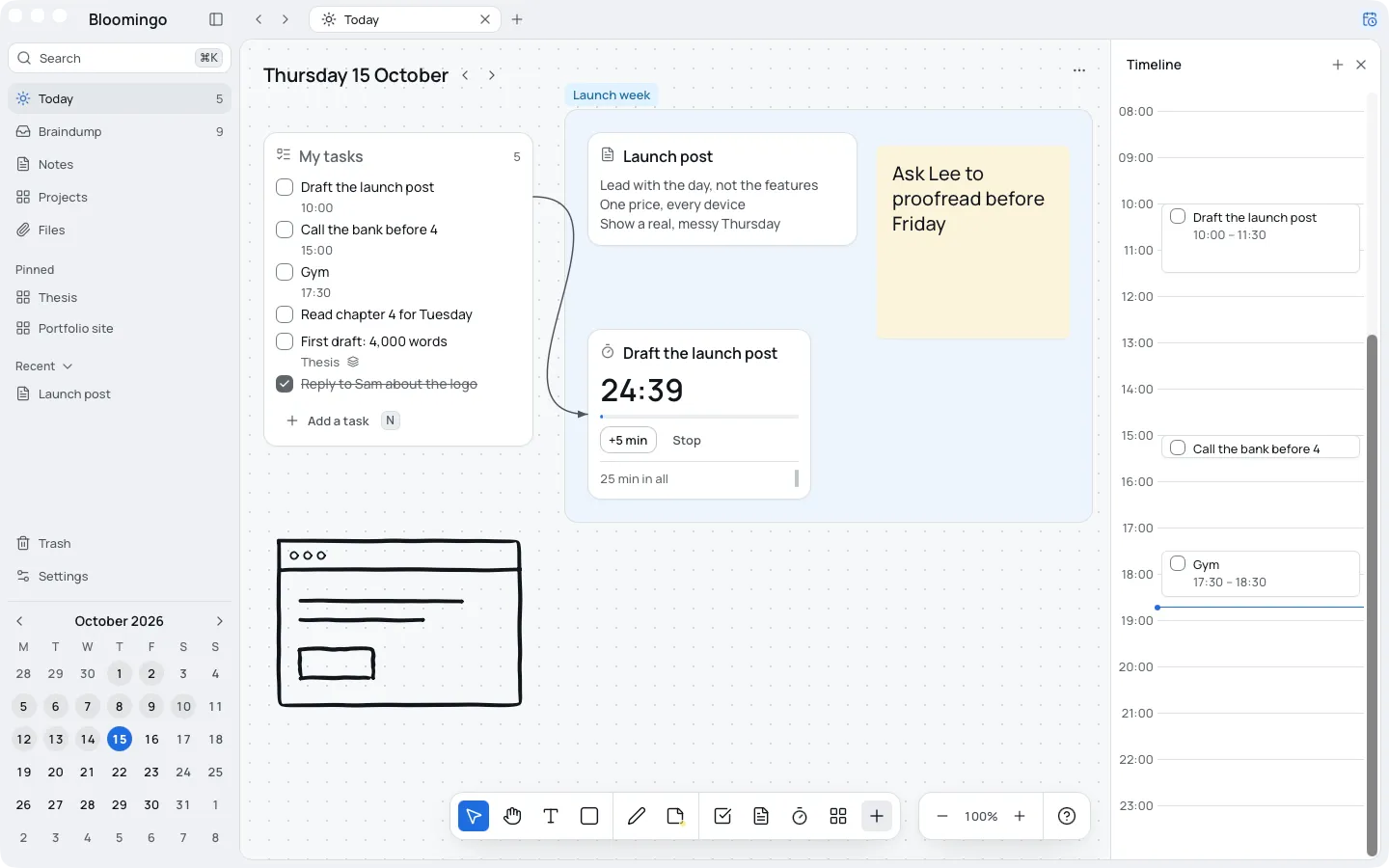
Keep a project's tasks, notes and sketches on one board. Wrap related things in a section so they move together. When the project grows, put a board inside it.
Pin the projects you're working on, and they sit in the sidebar.
Boards and sections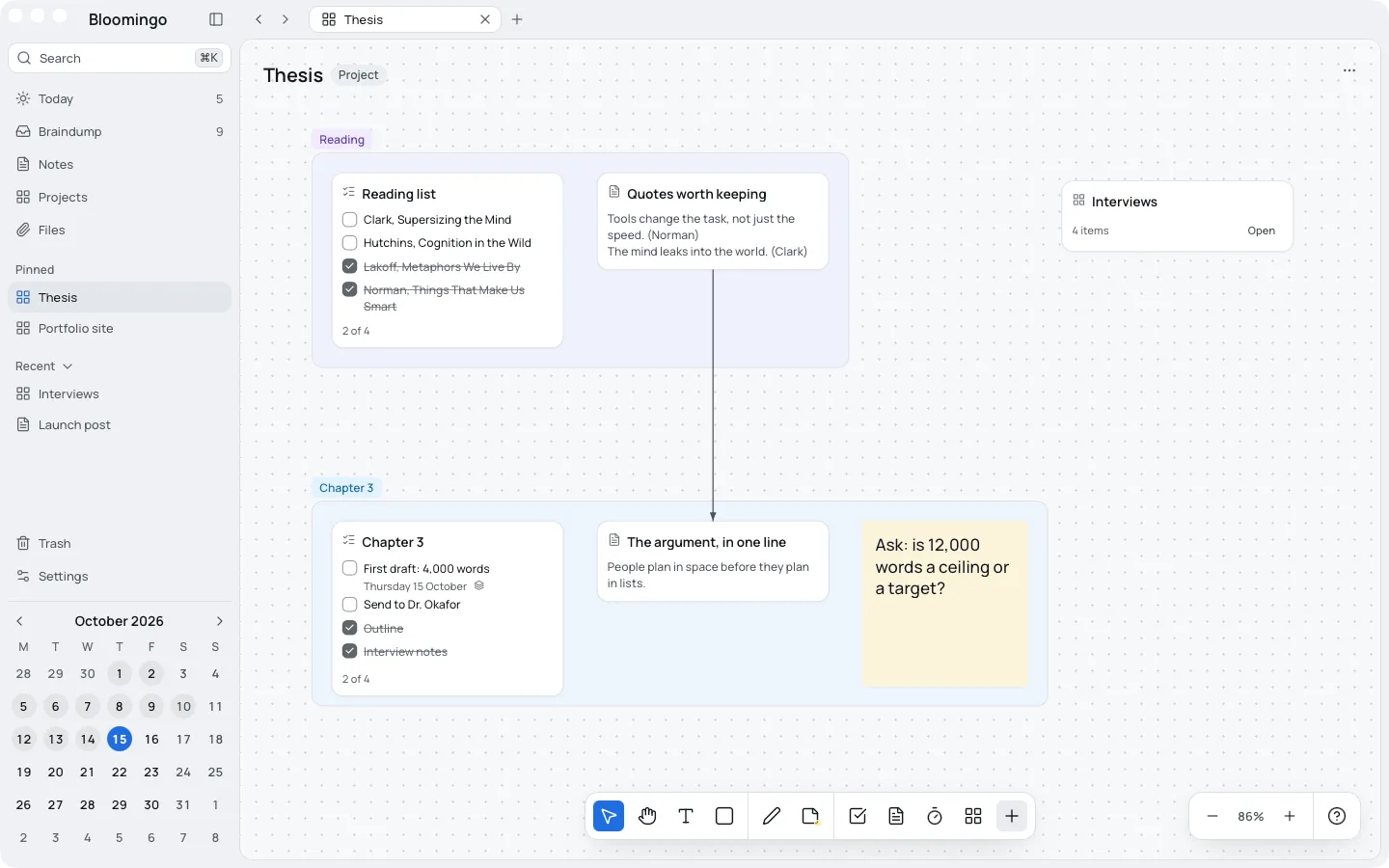
Put a project's task on today, and it stays one task, shown in both places. Tick it tonight and it's done on the project too. Nothing to copy, and nothing to keep in step.
A fresh start is a good time to try a new way of planning. There's nothing to set up, so the first evening goes to the work.
Make a board for it and put the first tasks on it. There are no templates to pick and no fields to fill in.
Open today, and the tasks you put there are ready. The hour you have goes to the work.
Open its board and it's as you left it: the notes, the half-done list and the sketch, side by side.
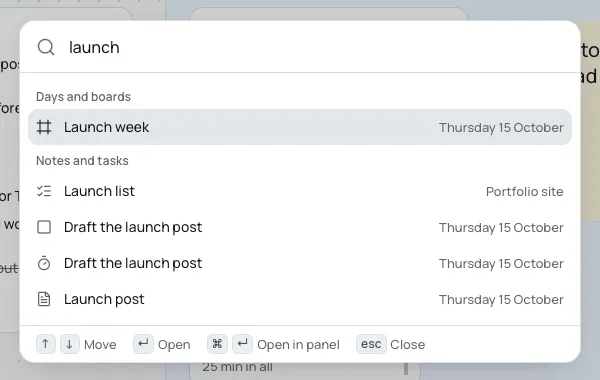
Press ⌘K (Ctrl+K on Windows) and type a few letters. Every day, board, note and task shows with where it lives, and choosing one takes you right to it.
Your boards live on your device, and you can take everything out whenever you like.
Offline and syncOn your device. Bloomingo works offline, and search runs there too. Sync between your devices will be end-to-end encrypted.
Yes. Export everything at any time: notes as Markdown, files as they are, boards as JSON. A single board also saves as a picture or a PDF.
No. Bloomingo is for one person's days, with no shared boards or assignees. Keep your team's tools for team work, and plan your own evenings here.
Pay once. No subscription needed. More storage for pictures and files will be optional, by the month. Free for 14 days, no card.