Bloomingo press kit
What Bloomingo is, the key facts, the logo and real screenshots. You may use the logo and screenshots when you write about Bloomingo.
About Bloomingo
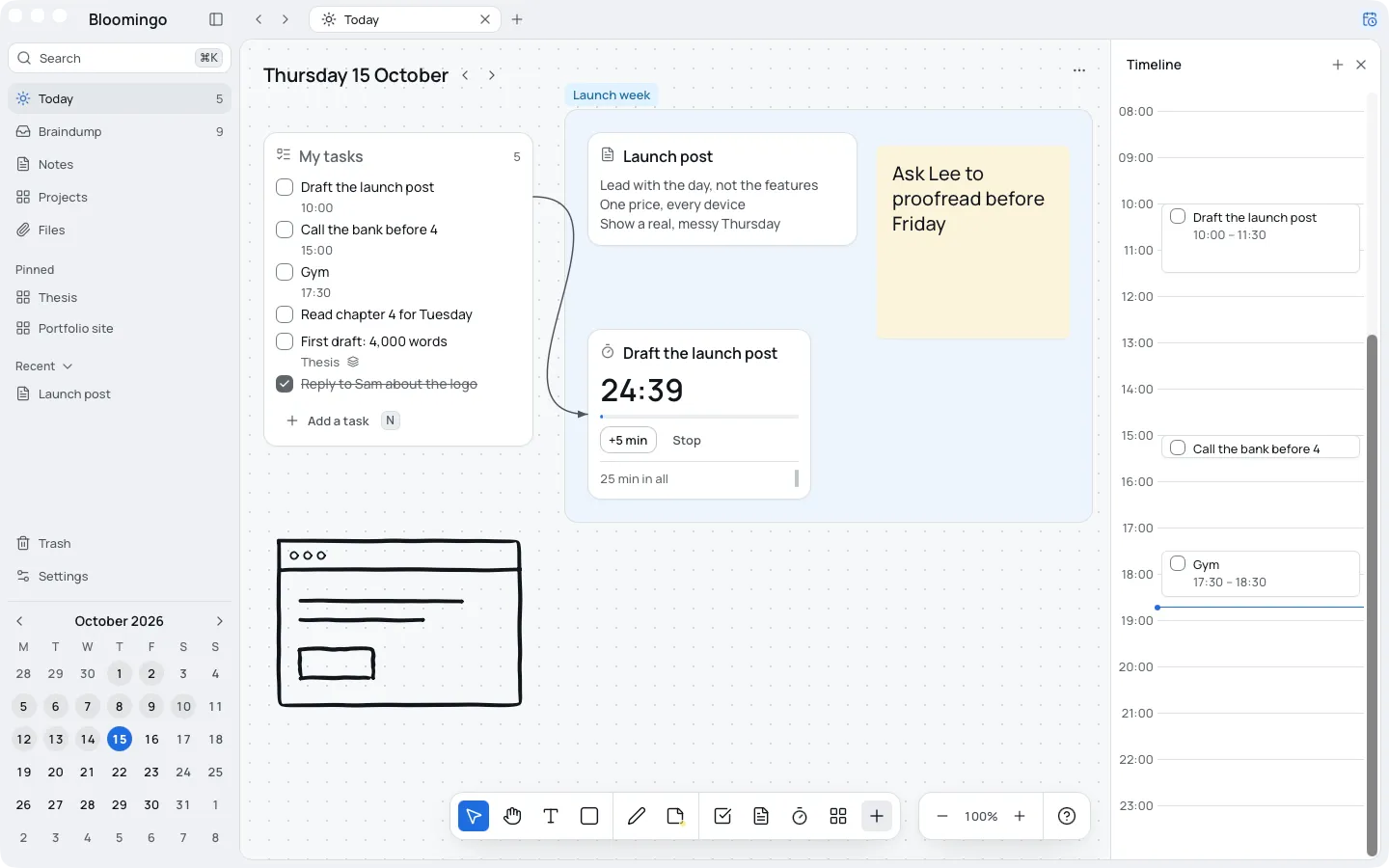
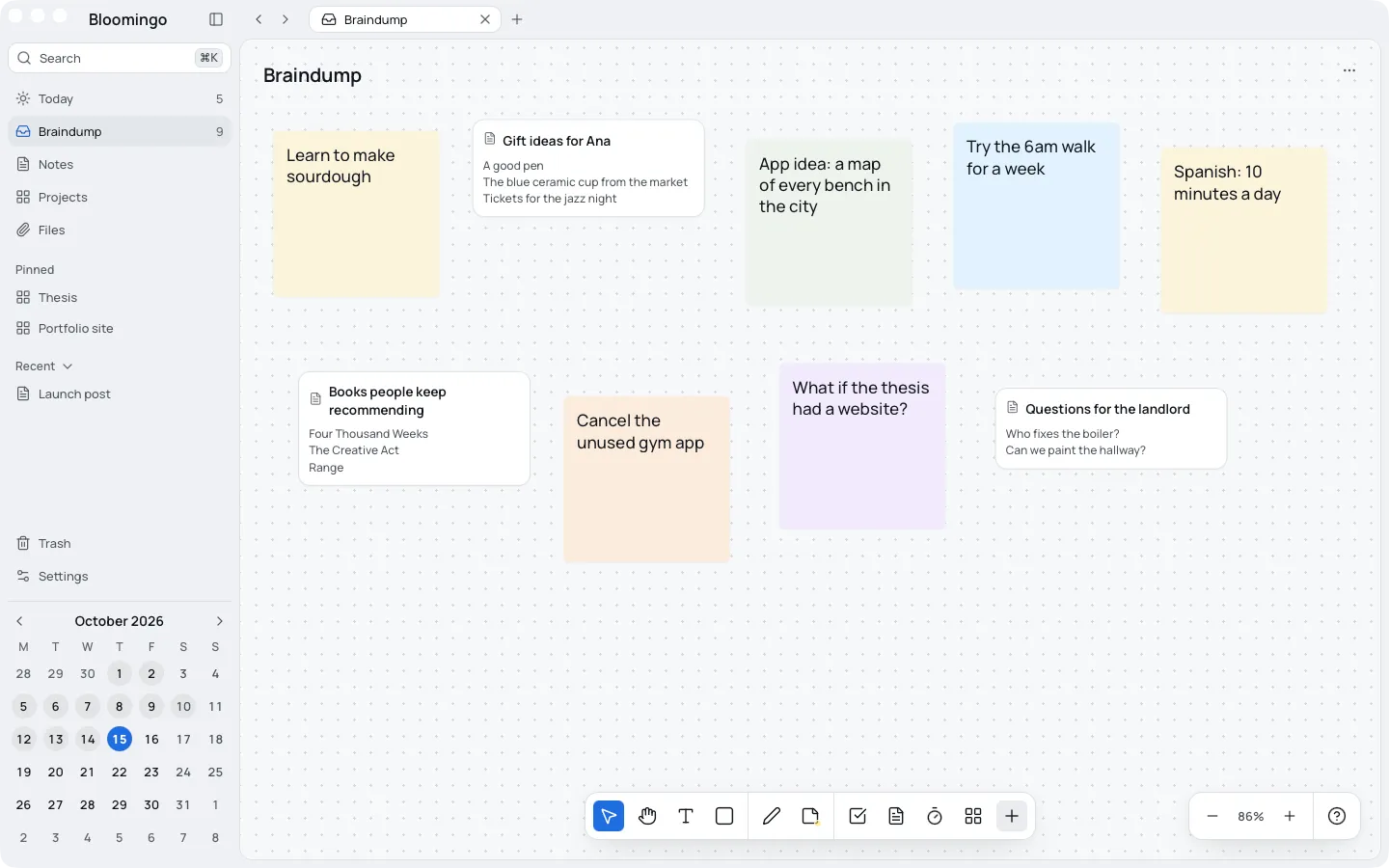
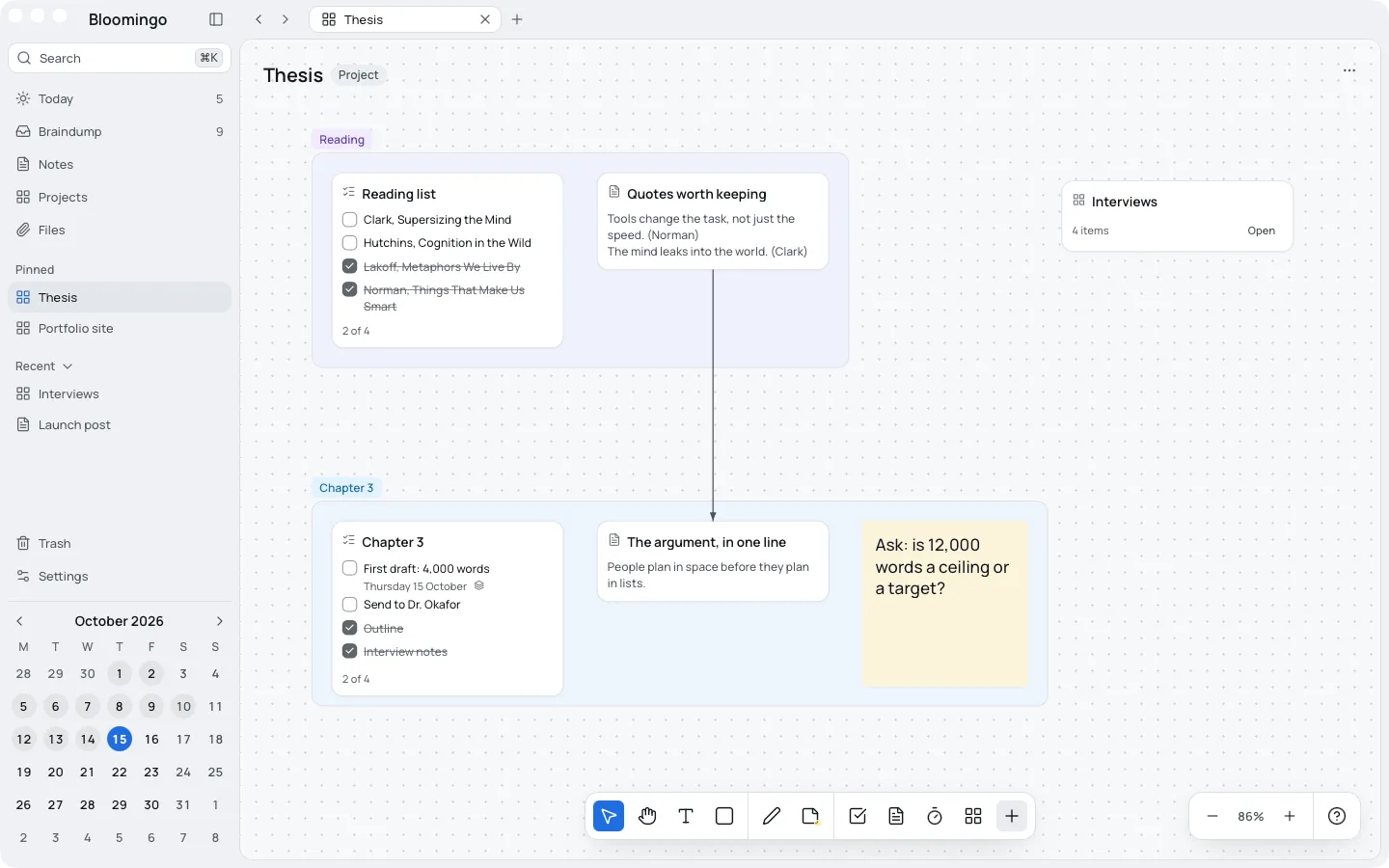
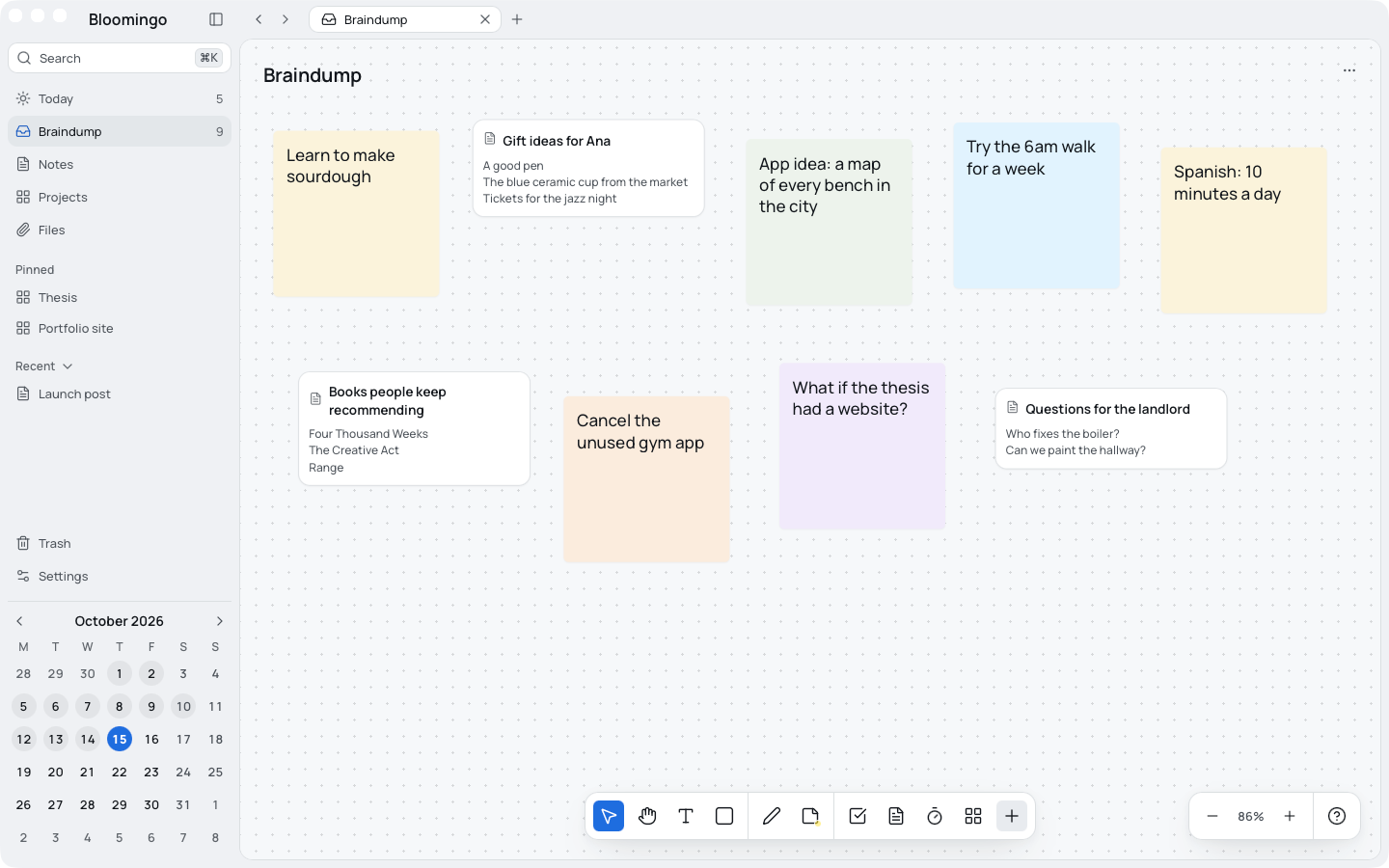
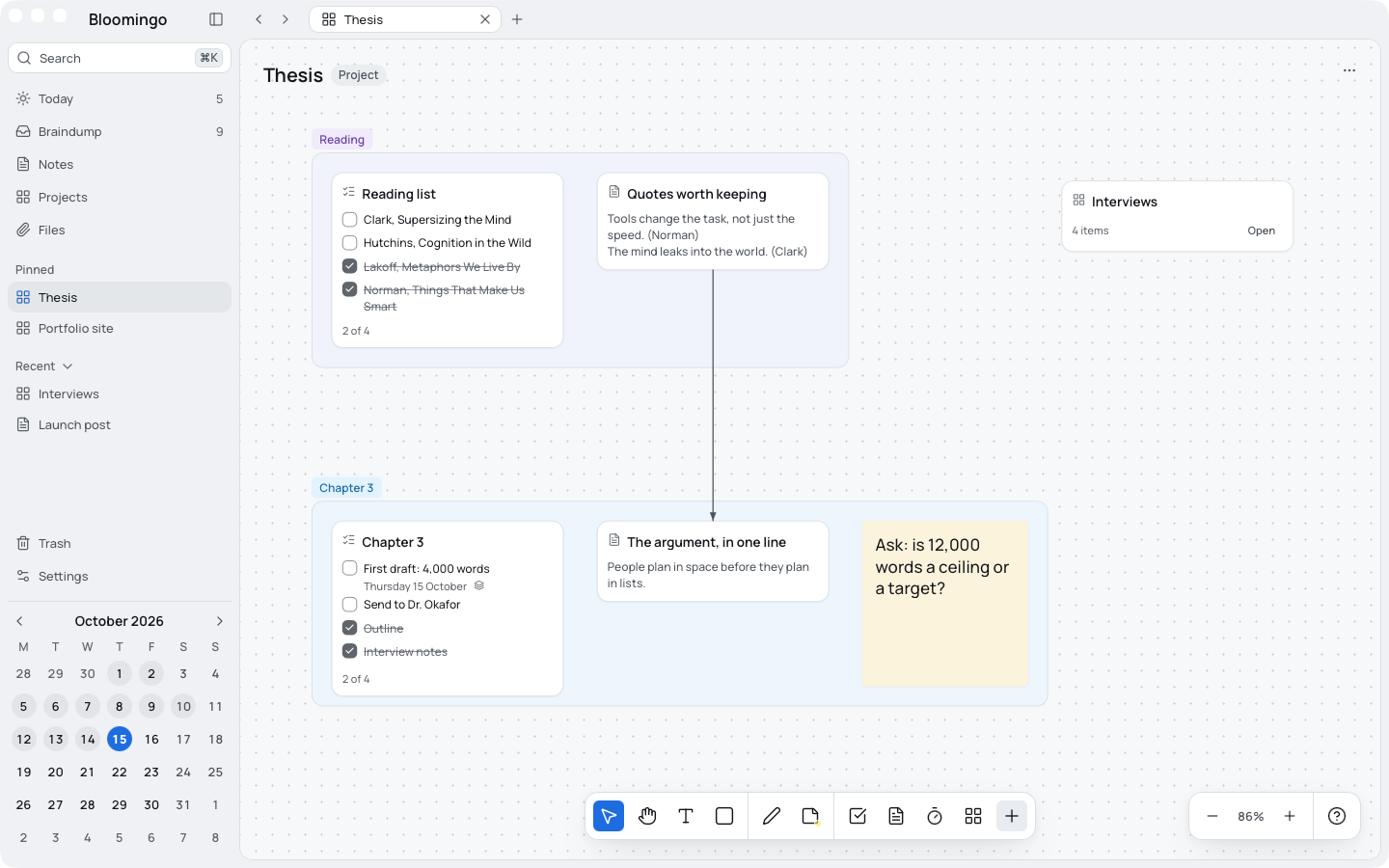
Bloomingo is a calendar where every day is its own whiteboard. Each date opens its own board, where tasks, notes, sticky notes, timers and sketches sit side by side. Projects are boards too, and the braindump holds anything that has no day yet. There's nothing to set up, it works offline, and you pay once. Bloomingo is made by Doddle Software Ltd, a small software company in the UK, and is coming to Mac, Windows, iPad, iPhone and Android.
Key facts
Checked on 15 October 2026.
- What it is
- A planning app: a calendar where every day is its own whiteboard.
- Platforms
- Coming to Mac, Windows, iPad, iPhone and Android.
- Status
- In development and not for sale yet. A waitlist is open.
- Pricing
- $49 once at launch. No subscription needed. Free for 14 days, no card. Students pay $39.
- Privacy
- Works offline. Your boards live on your device. Sync between your devices will be end-to-end encrypted.
- AI
- No AI features in the first release.
- Made by
- Doddle Software Ltd, a small software company in the UK.
- Contact
- hello@doddle.software
The logo
A B made of two cards joined at the spine.
- Use it in one colour: blue on light grounds, or white on blue.
- Keep it at least 16px tall, with clear space around it of half its width.
- No gradients, outlines, shadows or other shapes on it.

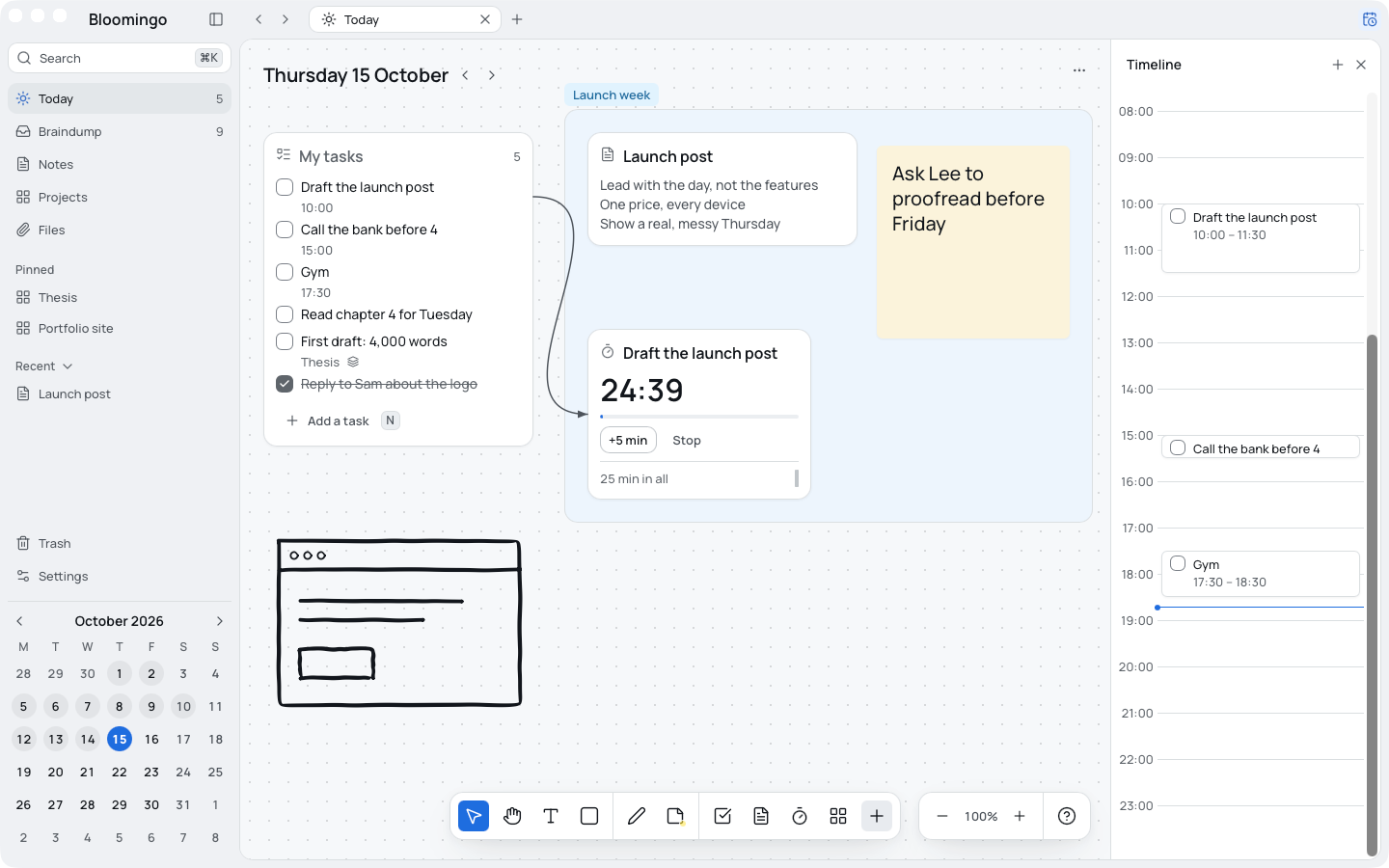
Screenshots of the real app
Taken in Bloomingo on a Mac. Each one is 1440 by 900 pixels.
Write to us
For questions or more screenshots, write to hello@doddle.software. We read every message.