Ready when you open it
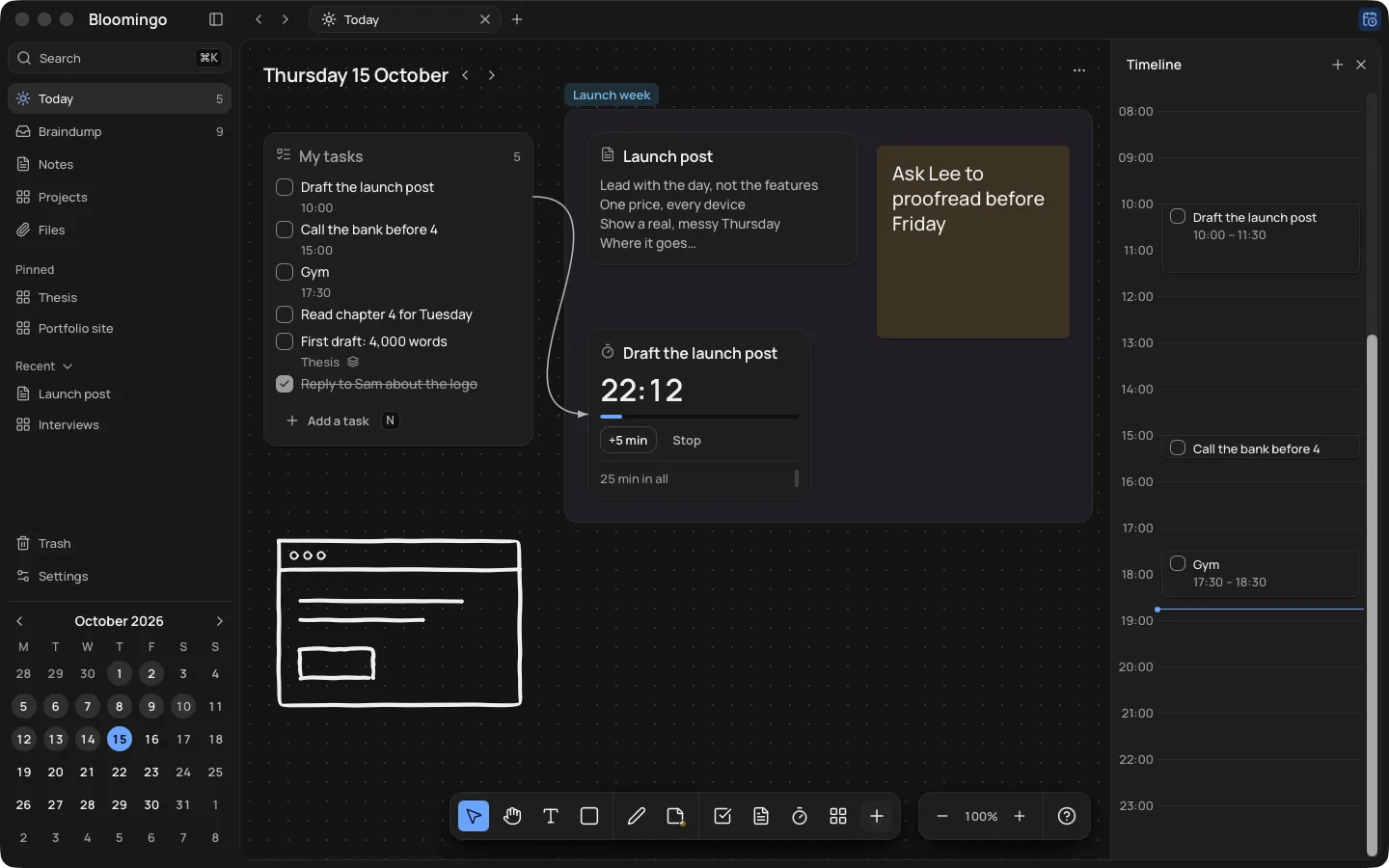
A new day opens with one task list and room beside it. There are no templates to choose and no system to build.
On a slow day, one task on today's board is a plan. Put everything else in the braindump, and sort it on a clearer day.
Nothing to set up. Open today and start writing. Coming to Mac, Windows, iPad, iPhone and Android.
One task. That's a plan.
The braindump is one board with no date. Put each thought there as it comes, without sorting it.
On a clearer day, give a thought a day, move it to a project, or leave it. Thoughts you haven't opened for weeks fade, and Bloomingo never deletes them.
How the braindump works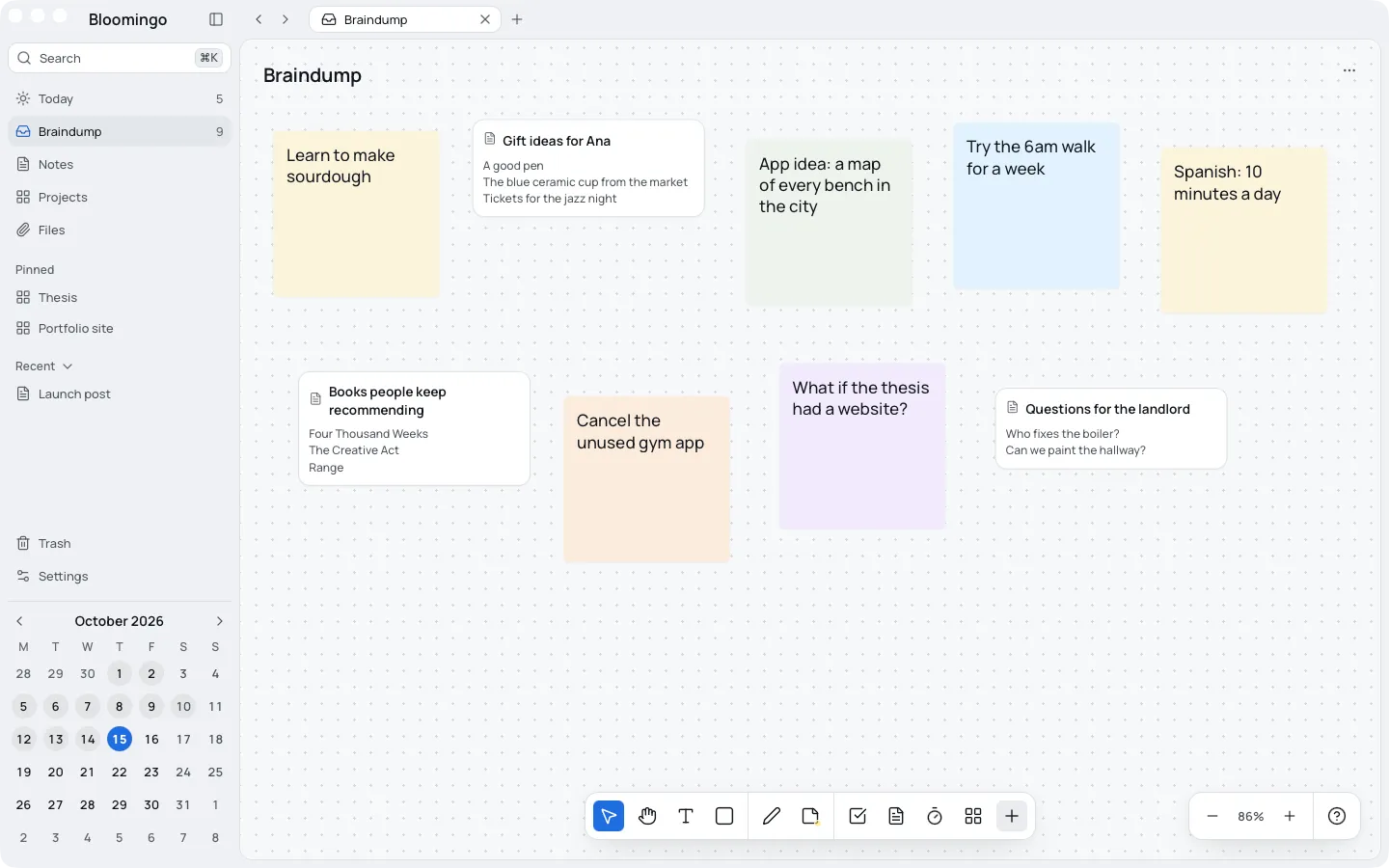
A new day opens with one task list and room beside it. There are no templates to choose and no system to build.
Every change saves by itself, so there's no save button to remember.
Press ⌘K (Ctrl+K on Windows) and type a few letters. Every day, board, note and task shows with where it lives.
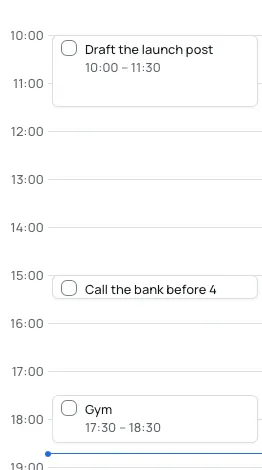
Each new day, yesterday's unfinished tasks wait in a small tray. Keep each one for today, put it in the braindump, pick a day for it, or let it go.
By default, anything still undecided when the day ends goes back to the braindump. Past days stay as you left them, and nothing turns red.
Settings offer four interface sizes, from small to larger. The dark theme is tuned on its own, for late evenings and dim rooms.
Bloomingo can't give you energy or focus, and it makes no health claims. It asks very little of you, so a slow day can still have a plan.