A new term
Make a board for each module. There are no templates to choose and nothing to set up.
Put lecture notes, a reading list and a 25-minute timer side by side on today's board. Each module or project gets a board of its own.
Coming to Mac, Windows, iPad, iPhone and Android. Pay once. No subscription needed. Students pay less.
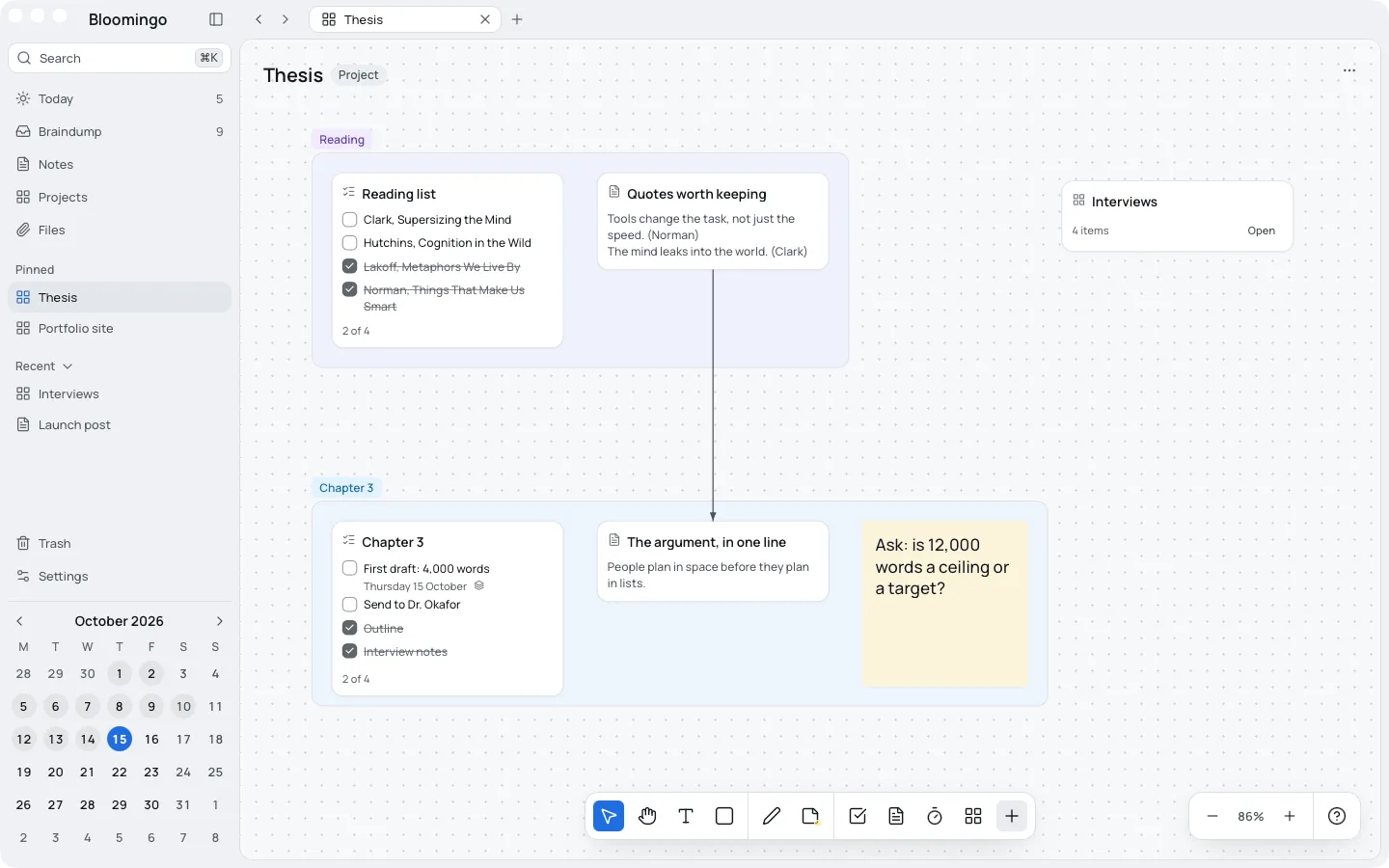
Every date on the calendar opens its own board, so each day starts clear. Make a board for each module, and put this week's reading on the days you'll do it.
Make a board for each module. There are no templates to choose and nothing to set up.
Give each day the few topics you'll revise, with your notes beside them on the same board.
Open today and start from there. Past days stay as you left them, and nothing turns red.
Put a task from your thesis on Thursday, and it shows on both boards. Tick it once, and it's done on both.
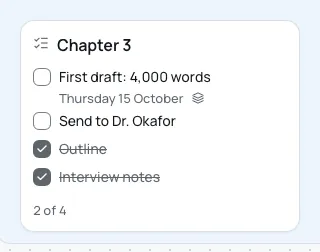
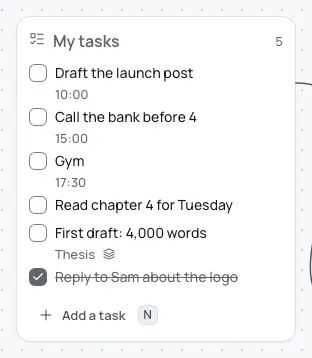
A day holds more than coursework. Reading, a first draft, the gym and a call to the bank can sit on the same board.
Set a 25-minute timer next to the work, and join it to a task to give it the task's name. Lecture notes open in a side panel, with headings, lists and checklists, while the board stays in view.
Tasks and timers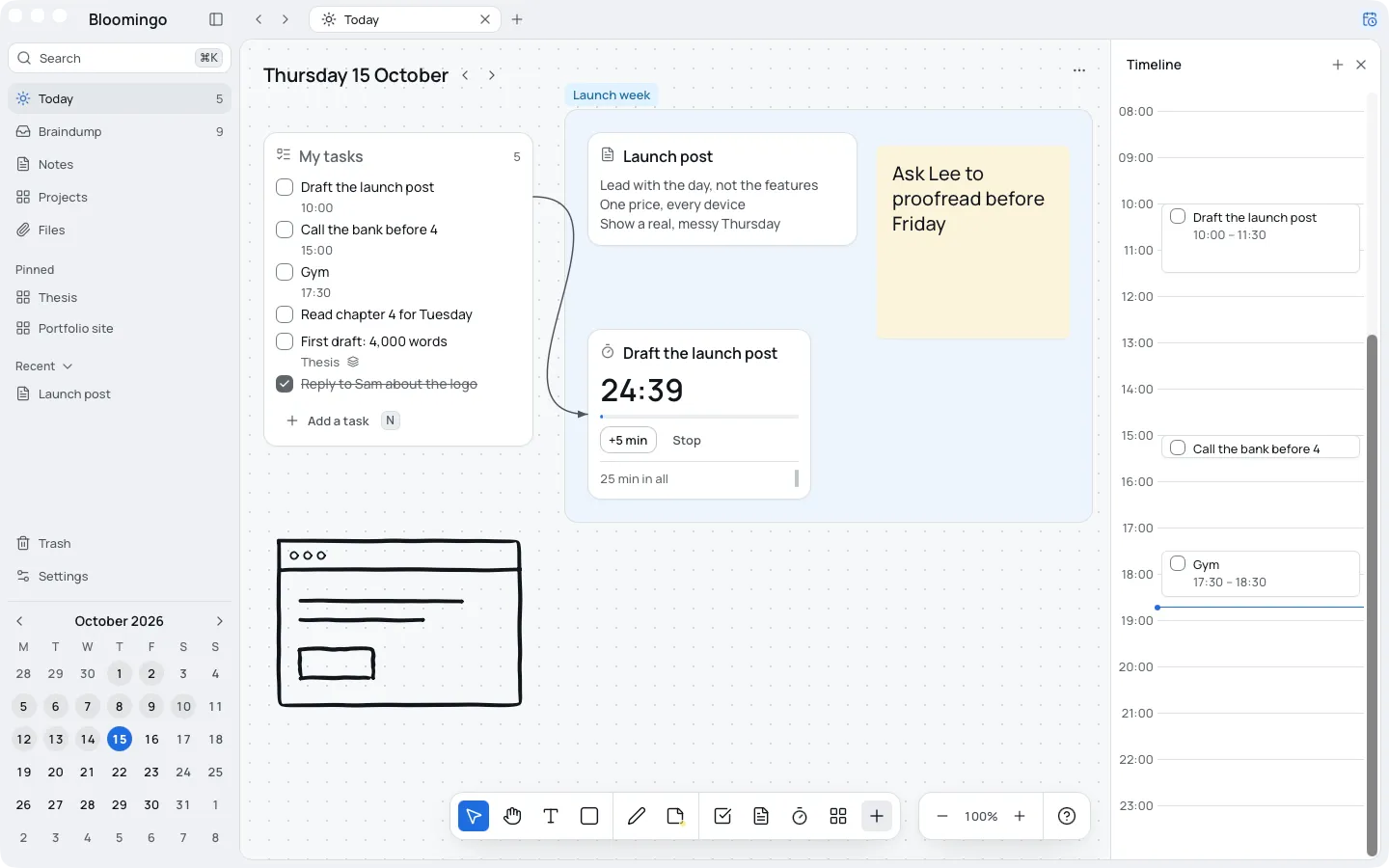
Students pay less when they buy on our website with a student email. Pay once. No subscription needed.
What the licence coversYes. Free for 14 days, no card. After that, your boards stay readable, and you can export them at any time.
No. Bloomingo doesn't import deadlines from Canvas, Moodle or Google Calendar. Keep them there, and put this week's work on the days you'll do it.
Coming to Mac, Windows, iPad, iPhone and Android. Works offline. Your boards live on your device.