Keep Notion for documents. Plan your days here.
Notion is the better tool for a shared wiki or a database of documents. Bloomingo is for planning your own days, and today's board is ready when you open it.
Nothing to set up. Open today and start writing. Pay once. No subscription needed.
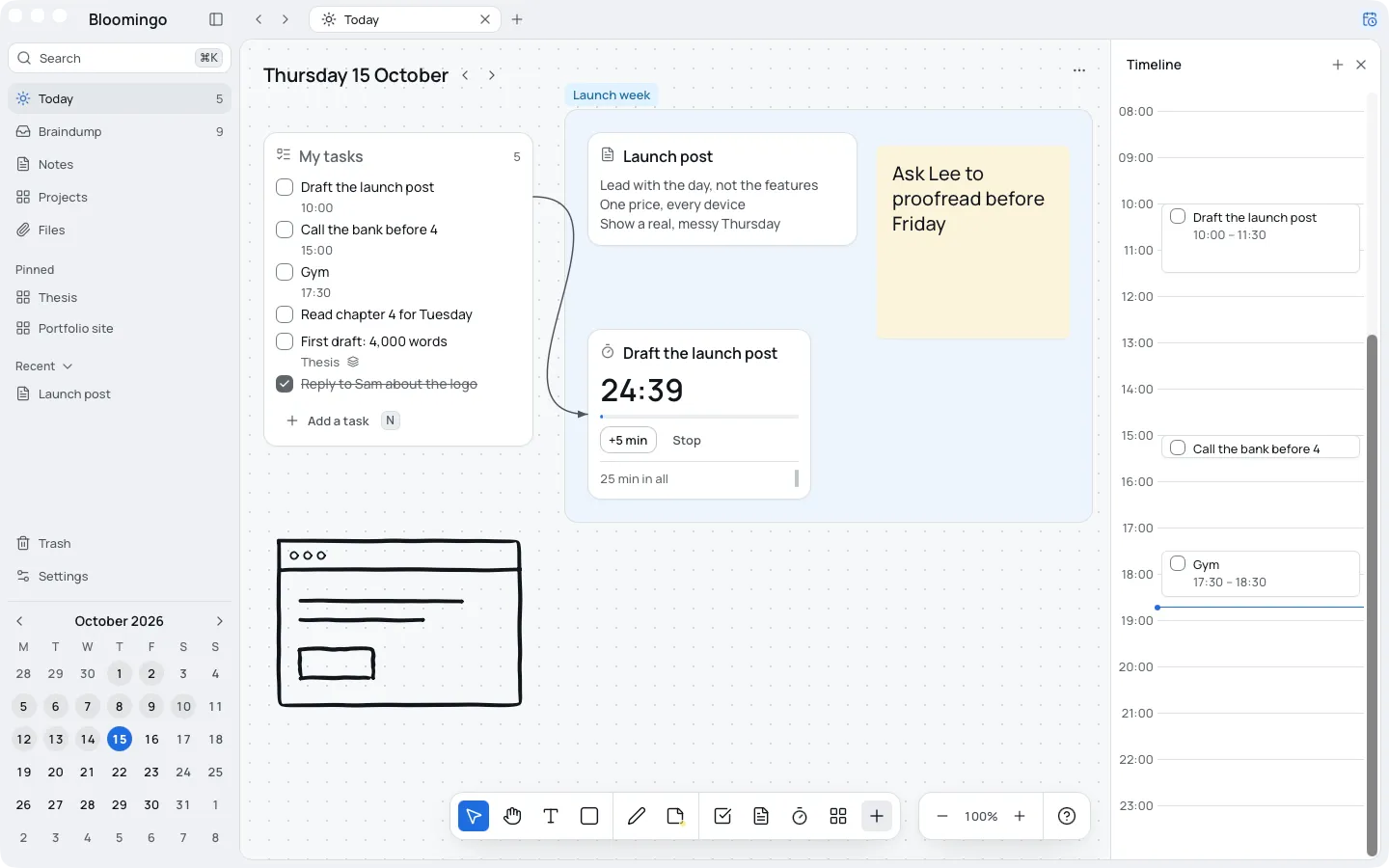
When keeping the planner up became the job
Notion can be shaped into almost anything, which is why it holds documents so well. A personal planner built in it has to be designed first, then kept up.
If the upkeep has started to take the time the plan was for, try a planner with nothing to build. Your documents can stay where they are.
Each tool doing the job it's good at
- A shared wiki for your team
- Databases of documents
- Pages you write and edit with other people
- Today's tasks, with a time when they need one
- The braindump, for everything on your mind
- A board for each project, with its notes and sketches
- A clock beside the work
Nothing to build
A new day opens with one task list and room beside it. There are no databases, properties or templates to set up.
Write a task, put a note beside it, and the day has a plan.
How day boards work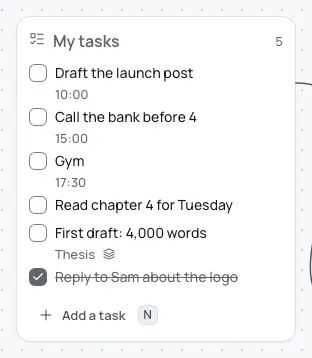
Export everything, at any time
Export everything at any time: notes as Markdown, files as they are, boards as JSON. So you're never locked in, whatever you use next.
Works offline. Your boards live on your device.
- Markdown
- JSON
- PNG
Who should stay with Notion
If you plan with a team, or you plan best in lists and databases, stay with what you have. Bloomingo is for one person's days, and it has no list views or shared boards.
Can I bring my Notion pages?
No. Bloomingo doesn't import from Notion. Keep your pages there, and plan your days here.
Do I have to give up Notion?
No. Keep Notion for documents, and use Bloomingo for your days.
Is there a subscription?
Pay once. No subscription needed. More storage for pictures and files will be optional, by the month. Free for 14 days, no card.