Works offline. Your boards live on your device.
Everything in Bloomingo works without the internet, and search runs on your device. Sync between your devices is planned, and not built yet.
Export everything at any time: notes as Markdown, files as they are, boards as JSON.
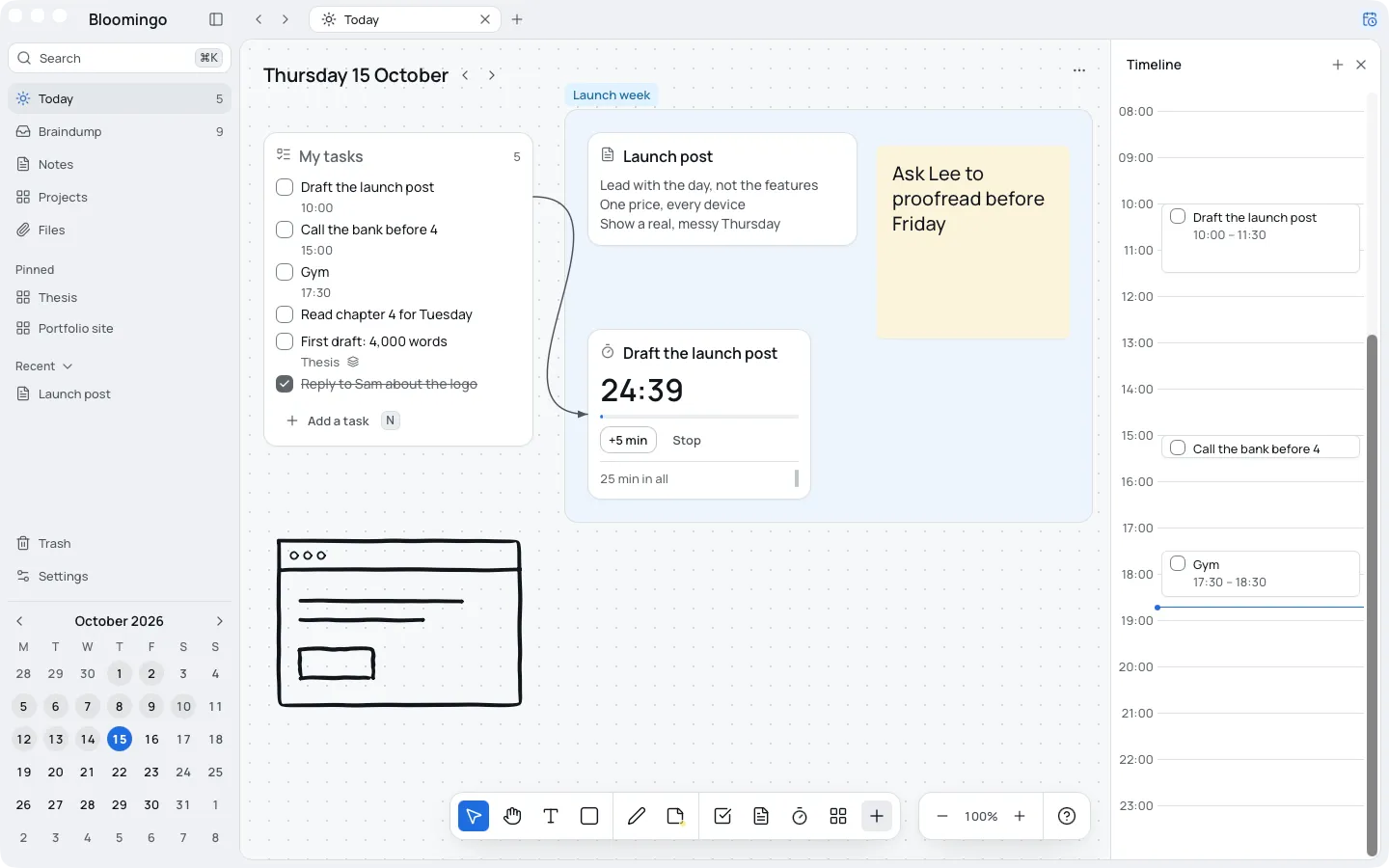
Nothing here needs the internet
Opens without a connection
Your boards, notes and files are stored on your device, so everything opens offline.
Saves as you go
Every change is saved on the device as you make it. There is no save button.
Search on the device
Search reads your boards where they are, so it works with no connection at all.
Nothing is tracked
No ads, and no analytics on what you write.
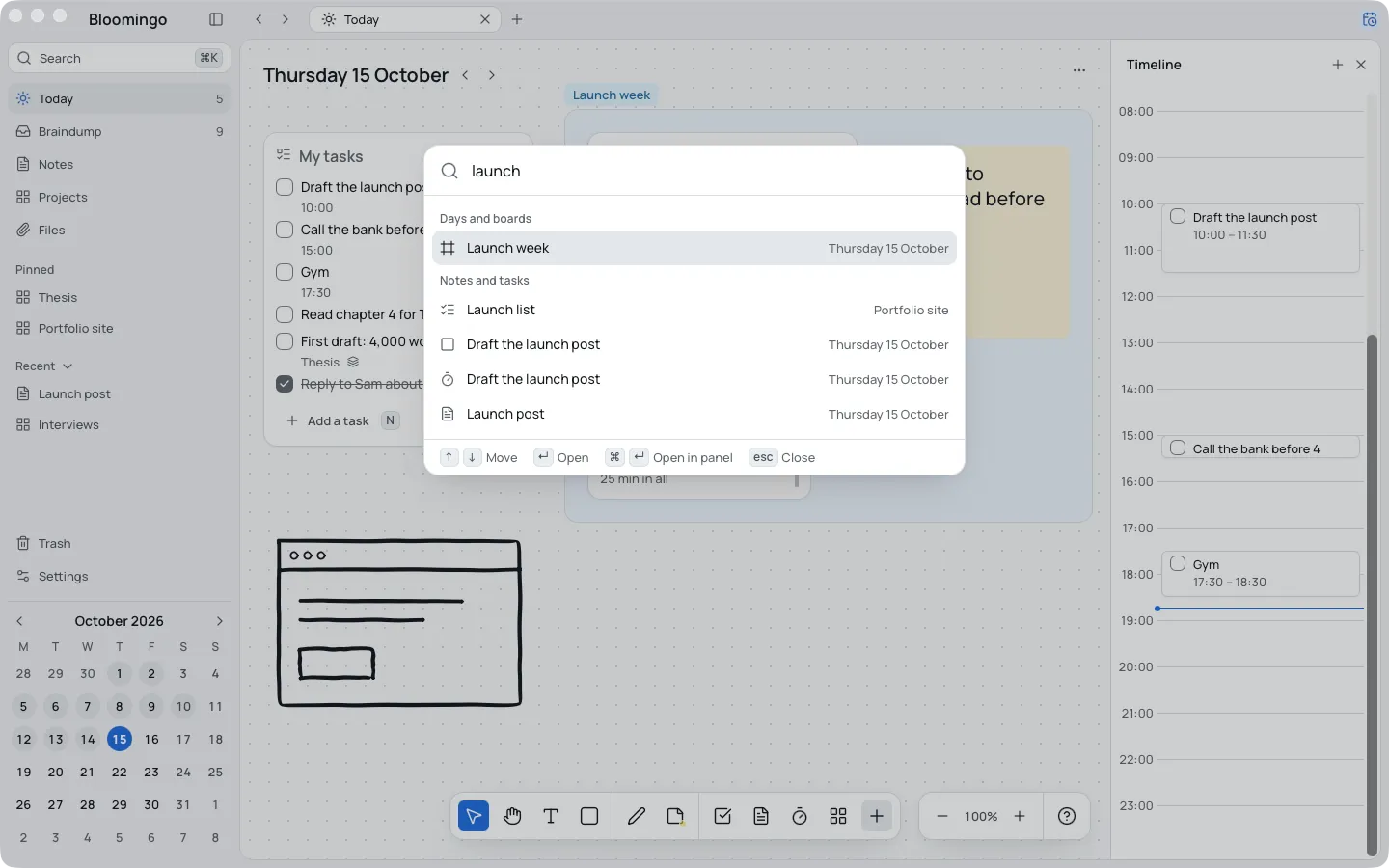
Search runs on your device
Press ⌘K and type a few letters. Bloomingo looks through your days, boards, notes, tasks and files on the device itself.
Each result says where it lives, and opening one takes you right to it. Type a date, like “fri”, to open that day.
Export everything, whenever you like
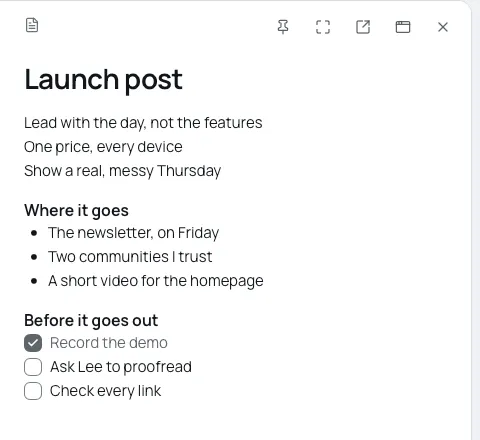
Export everything at any time: notes as Markdown, files as they are, boards as JSON. A single board also saves as a picture or a PDF.
- Open Settings, or press ⌘K and type “export”.
- Choose Export everything
- Pick a folder. Bloomingo puts a new, dated folder in it.
Inside, a short README says what each folder holds. Export is always on, during the free trial and after it. Import reads an export back in, and adds it to what you have.
Sync is planned, and not built yet
Sync between your devices will be end-to-end encrypted. When it arrives, changes made offline will sync once a device is back online.
Until then, your boards stay on the device you use. Export and Import can move them to another one.
We'll explain how the encryption works on the security page once sync is built and checked.
More on keeping your plans yours
Your data, step by step
The help page: where your library lives, backups, and what leaves your device.
Security
How Bloomingo keeps your boards private, today and once sync arrives.
Pricing
Pay once. No subscription needed.
Notion users
Keep Notion for documents. Plan your days here, offline and on your own device.
Your days, on your own device.
Coming to Mac, Windows, iPad, iPhone and Android. Pay once. No subscription needed.